Best Free Drawing Software for Artists and Designers
Choosing the Best Free Drawing Software can help artists and designers create strong digital work without paying for expensive programs. Free tools now offer brushes, layers, tablet support, social media, vector drawing, image editing, comic tools, and even animation. Some programs are made for painting, while others are better for logos, manga, photo editing, or motion graphics. The right choice depends on your creative goals, computer, and level of experience.
What to Look for in Free Drawing Software
Good drawing software should have a simple workspace, useful brushes, layers, and support for drawing tablets. Artists should also check pressure sensitivity, file formats, canvas size, and export options. Designers may need vector tools, while painters often need blending, texture brushes, and color controls.
The Best Free Drawing Software should also match the type of art you create. A comic artist may need panel tools and screentones, while a logo designer may need scalable vector graphics. Beginners should choose a program that is easy to understand, but advanced users may prefer deeper controls and customization.
Krita for Digital Painting and Illustration
Krita is one of the strongest free programs for digital painting. It is open-source and built mainly for illustrators, concept artists, comic creators, and painters. It includes many brush engines, layers, blending modes, stabilizers, drawing assistants, and tools for creating detailed artwork.
Krita also works well with pressure-sensitive drawing tablets. Artists can use it for character design, concept art, comics, portraits, and environment painting. Its interface can be customized, so users can move panels and tools around their workspace. For serious painting, Krita is one of the most complete free choices available.
Inkscape for Vector Art and Graphic Design
Inkscape is designed for vector graphics. Unlike raster artwork, vector images can be resized without becoming blurry. This makes Inkscape useful for logos, icons, diagrams, typography, posters, and branding work. It mainly uses the SVG format but can also work with several other common design formats.
For graphic designers, Inkscape can be a strong alternative to paid vector programs. It includes shape tools, paths, text controls, gradients, layers, and node editing. If your main goal is creating clean and scalable designs, the Best Free Drawing Software for your needs may be a vector-based tool such as Inkscape.
GIMP for Drawing and Image Editing
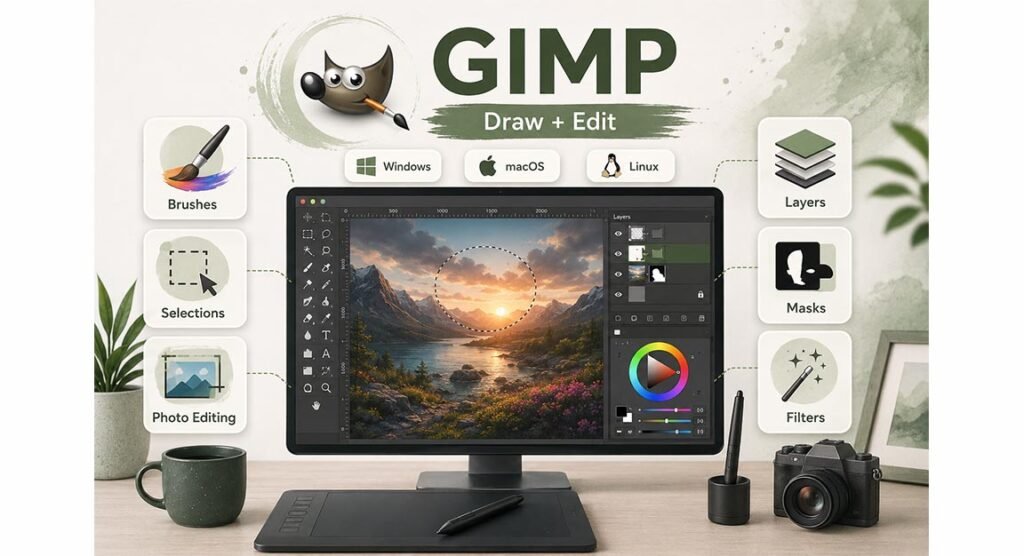
GIMP, short for GNU Image Manipulation Program, combines drawing tools with strong photo editing features. It is available for Windows, macOS, and Linux. GIMP is often used for image correction, photo manipulation, web graphics, background removal, and digital artwork.
Artists can work with brushes, layers, masks, filters, selections, and color tools. GIMP is not as focused on natural painting as Krita, but it is more flexible when artwork also needs photo editing. It can be useful for designers who want one free program for both creative drawing and image correction.
MediBang Paint for Manga and Comic Artists
MediBang Paint is especially useful for manga and comic creators. It includes brushes, layers, comic panels, perspective guides, screentones, backgrounds, fonts, and cloud-related tools. It can be used on Windows, macOS, Android, iPhone, and iPad, making it useful for people who work across different devices.
The program is also beginner-friendly and lighter than many large creative applications. Comic artists can organize pages, draw panels, add tones, and create line art inside one program. For users focused on manga, anime, or webcomics, MediBang offers a practical balance between ease of use and useful creative features.
FireAlpaca and MyPaint for Simple Drawing Workflows
FireAlpaca is a lightweight drawing program that is popular with beginners and anime-style artists. It includes brushes, line correction, perspective tools, gradients, filters, and simple animation features. Its interface is easier to learn than some larger programs, so it can be a good starting point for new digital artists.
MyPaint takes an even simpler approach. It focuses on natural drawing, customizable brushes, tablet input, and an open canvas. The program is useful for sketching and painting without many distractions. Both tools can be good choices for artists who want smooth performance and do not need complex design or editing systems.
Blender Grease Pencil for 2D and 3D Animation
Blender is widely known as a 3D program, but its Grease Pencil system also allows artists to draw and animate in 2D. Drawings can be placed inside a 3D scene, making it possible to combine flat artwork with depth, camera movement, lighting, and three-dimensional objects.
Grease Pencil can be used for storyboards, frame-by-frame animation, motion graphics, cut-out animation, and mixed 2D/3D projects. It has a steeper learning curve than simple drawing apps, but it gives animators far more control. This makes Blender useful for artists who want to move beyond still illustrations.
Best Options for Beginners and Tablet Users
Beginners often benefit from software that is easy to understand. FireAlpaca and MediBang Paint are good starting points because their interfaces are relatively simple. Krita may take longer to learn, but it gives beginners room to grow into more advanced painting techniques.
Tablet users should pay close attention to pressure sensitivity and brush response. Krita, MyPaint, MediBang Paint, and FireAlpaca all offer useful tablet support. The Best Free Drawing Software for a tablet user should feel smooth, react well to stylus pressure, and allow quick access to brushes, undo controls, zoom tools, and layer settings.
Raster vs Vector Drawing Software
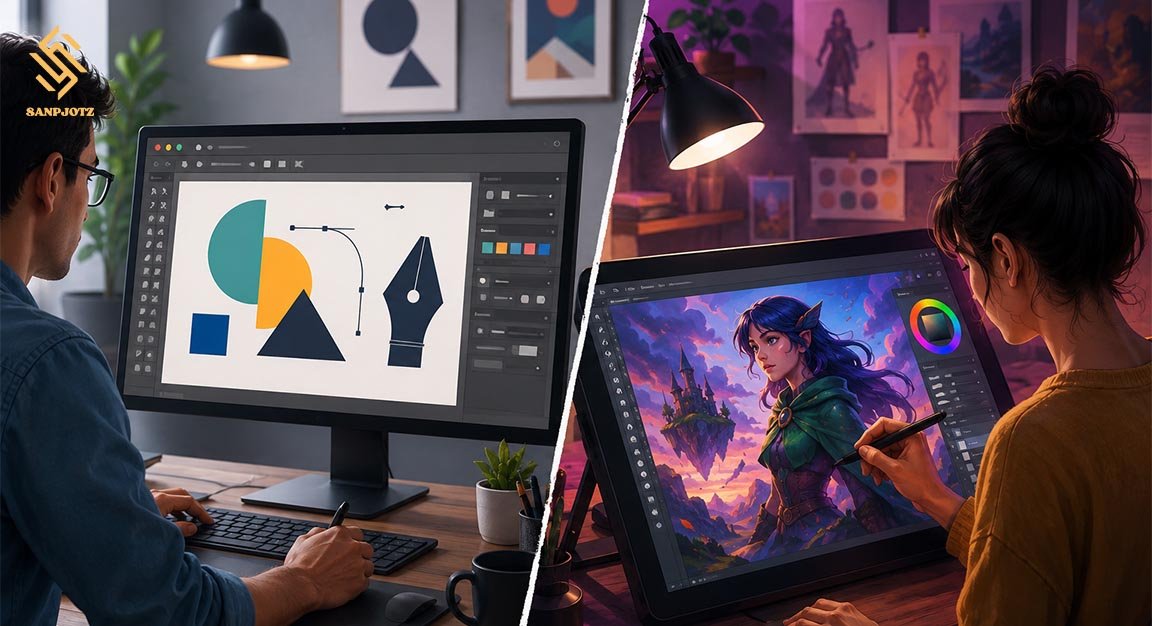
Raster software creates images from pixels. Programs such as Krita, GIMP, MediBang Paint, FireAlpaca, and MyPaint are mainly raster-based. They are well suited to painting, shading, textures, and detailed illustrations. However, very small raster images can lose quality when enlarged too much.
Vector software works with paths and shapes instead of fixed pixels. Inkscape is the main vector option in this list. Vector designs can be resized without losing sharpness, which makes them ideal for logos, icons, signs, and branding. Artists should choose raster for painting and vector for clean, scalable design work.
Which Free Drawing Program Should You Choose?
The right choice depends on what you want to create. Choose Krita for digital painting, Inkscape for vector design, GIMP for artwork mixed with photo editing, and MediBang Paint for manga. FireAlpaca works well for beginners, while MyPaint is useful for simple sketching.
Blender Grease Pencil is the better option for artists interested in animation and 2D/3D work. The Best Free Drawing Software is not always the program with the most tools. It is the one that fits your creative process, works well on your device, and gives you the features you actually need.
Why Free Drawing Tools Are Worth Trying
Free creative programs are much more capable than they were in the past. Many include professional tools that can support serious artwork, design projects, comics, and animation. Artists can learn digital skills without paying for a monthly subscription.
Using the Best Free Drawing Software also gives beginners a low-risk way to test different creative styles. You can try painting in Krita, make a logo in Inkscape, edit an image in GIMP, or create a comic in MediBang before deciding which workflow feels most comfortable.
FAQs
What is the best free program for digital painting?
Krita is one of the strongest choices for digital painting because it offers advanced brushes, layers, tablet support, and illustration tools.
Is Krita completely free?
Yes. Krita is free and open-source software. Artists can use it for personal artwork, learning, and professional creative projects.
Which free drawing software is best for beginners?
FireAlpaca and MediBang Paint are good choices for beginners because they are relatively simple and provide useful drawing tools.
Is Inkscape better than Krita?
They are made for different jobs. Inkscape is better for vector graphics, while Krita is stronger for painting and detailed illustrations.
Can free drawing software be used professionally?
Yes. Programs such as Krita, GIMP, Inkscape, and Blender are powerful enough for professional artwork, design, editing, and animation projects.