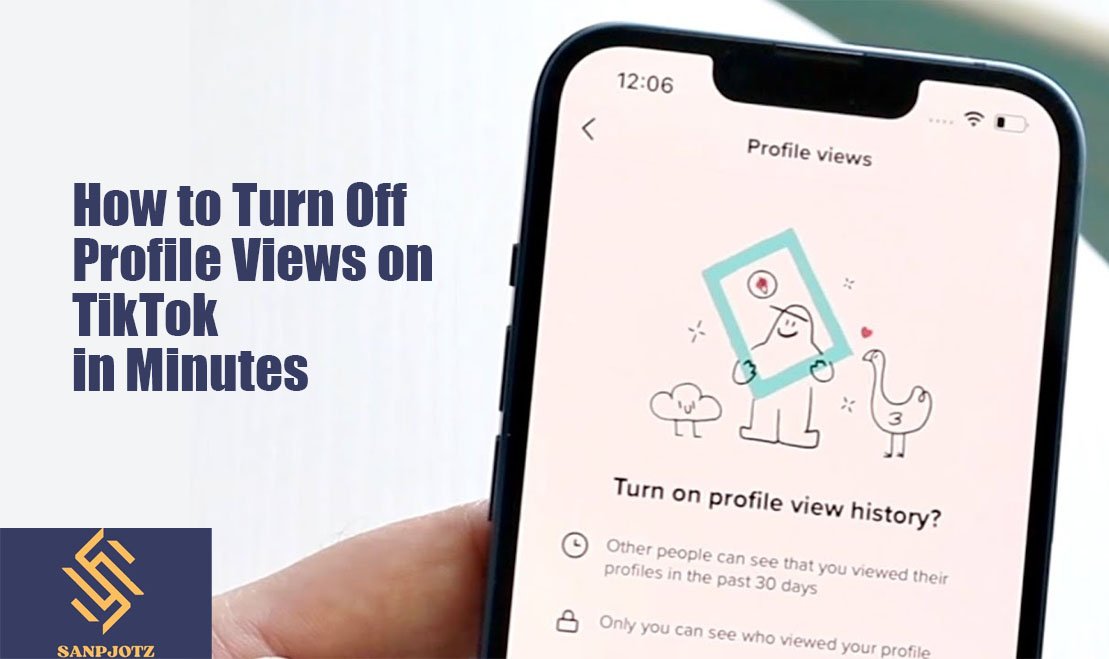
How to Turn Off Profile Views on TikTok in Minutes
TikTok offers many privacy settings that help users control their experience on the platform. One of these features is Profile View History, which lets eligible users see who has visited their profile within the last 30 days. While some people enjoy this feature, others prefer to browse privately. If you value privacy, learning How to Turn Off Profile Views on TikTok is a simple way to stop sharing your profile visits with other users.
What Is TikTok Profile View History and How Does It Work?
Profile View History is a privacy feature that records profile visits between eligible users. When the feature is turned on, you can see who viewed your profile, and they can also see when you visit theirs. This only works if both accounts have the feature enabled.
The history shows profile visits from the last 30 days. It does not track video views, likes, comments, or followers. It only records visits to your profile page, making it a separate feature from other TikTok activity.
Why You Might Want to Turn Off Profile Views on TikTok
Many users choose to disable this feature because they want more privacy. You may visit creator profiles, check competitors, or simply browse without letting others know. Turning the feature off helps you do that.
Another reason is peace of mind. Some users feel more comfortable knowing their profile visits are not being shared. This setting does not affect your videos, account performance, or the way the TikTok algorithm recommends content.
How to Turn Off Profile Views on TikTok in Minutes
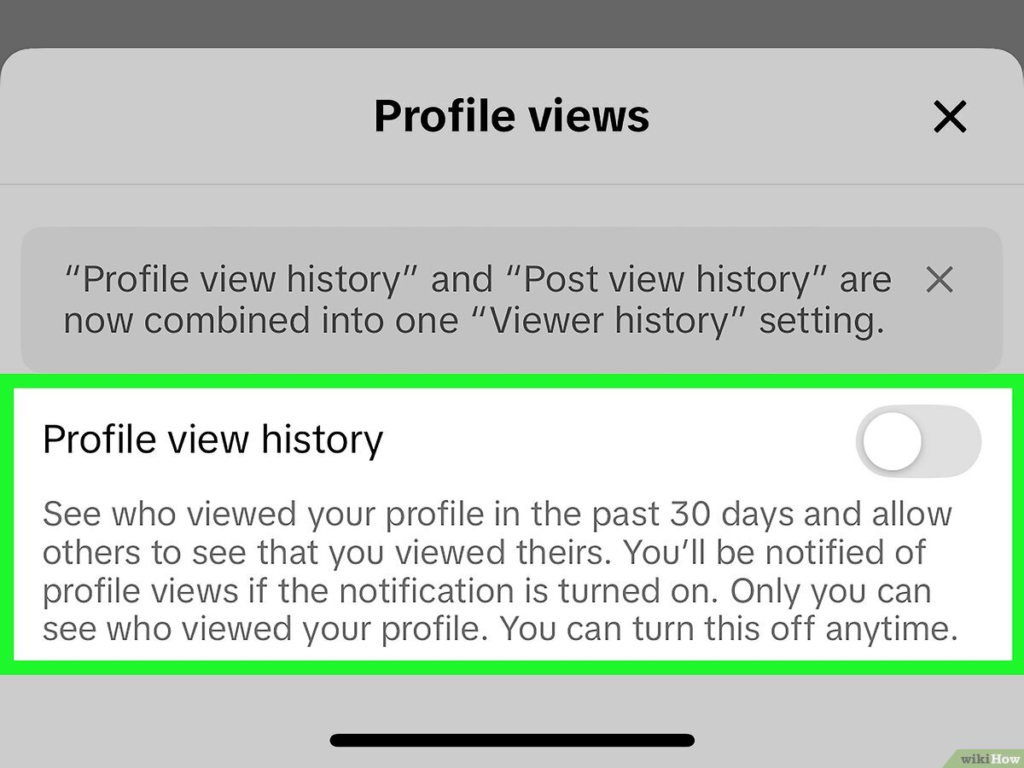
If you are wondering How to Turn Off Profile Views on TikTok, the process is quick and only takes a minute. Open the TikTok app and sign in to your account. Tap Profile at the bottom of the screen, then open the three-line menu in the top-right corner.
Next, go to Settings and Privacy, select Privacy, and tap Profile Views. Turn off the Profile View History toggle. The change takes effect immediately, and your future profile visits will no longer appear in other users’ profile history if they are eligible for the feature.
What Happens After You Disable Profile View History?
After turning the feature off, other eligible users cannot see that you visited their profiles. At the same time, you also lose the ability to see who has viewed your own profile. This is the main trade-off for better privacy.
The setting does not change your followers, likes, comments, shares, or video views. It is only a privacy option, so your overall account activity remains the same.
Can Other People Still See Your Profile After You Turn It Off?
Yes. Disabling Profile View History does not make your account invisible. Anyone can still visit your profile unless your account has other privacy restrictions in place.
The only difference is that your visit will not appear in another user’s profile view history when the feature is turned off. Your public videos and profile information will continue to work as usual.
Why the Profile Views Option May Be Missing on Your TikTok Account
Some users cannot find the Profile Views setting. One common reason is using an outdated version of the TikTok app. Updating the app may solve the problem.
Other reasons include age restrictions, feature availability, or account eligibility. TikTok sometimes rolls out features gradually, so not every account receives them at the same time.
Common Mistakes to Avoid When Changing Profile View Settings
A common mistake is thinking this setting affects video performance. Turning it off does not reduce views, lower engagement, or stop people from finding your content.
Another mistake is expecting to browse privately while still seeing who visits your profile. Once the feature is disabled, you give up access to your own visitor history. If you want to see profile visitors again, you must turn the feature back on.
In Short
Privacy settings help you decide how much information you want to share online. Profile View History is optional, and you are free to enable or disable it whenever you like.
Learning How to Turn Off Profile Views on TikTok gives you more control over your account without affecting your videos or followers. It is a quick setting that can make browsing TikTok more comfortable while keeping your profile activity private.
FAQs
Can I turn off Profile View History on TikTok?
Yes. Open Settings and Privacy, go to Privacy, select Profile Views, and switch the feature off.
Will turning off Profile View History affect my video views?
No. It only changes your privacy settings and does not affect your videos or account performance.
Can people still visit my profile after I disable it?
Yes. Your profile remains visible unless you change other privacy settings.
Can I turn Profile View History back on later?
Yes. You can enable the feature again at any time from the same settings menu.
Why can’t I see the Profile Views option?
The feature may not be available because of app version, account eligibility, age restrictions, or a gradual feature rollout.