CenturyLink Speed Test: Why Your Internet May Be Slow
A slow internet connection can interrupt work, online classes, gaming, and streaming. If your websites take too long to load or videos keep buffering, it is time to check your connection. A CenturyLink Speed Test helps you measure your internet performance in less than a minute. It shows whether your connection is working as expected and helps you find possible problems before they become bigger.
What Is the CenturyLink Speed Test and How Does It Work?
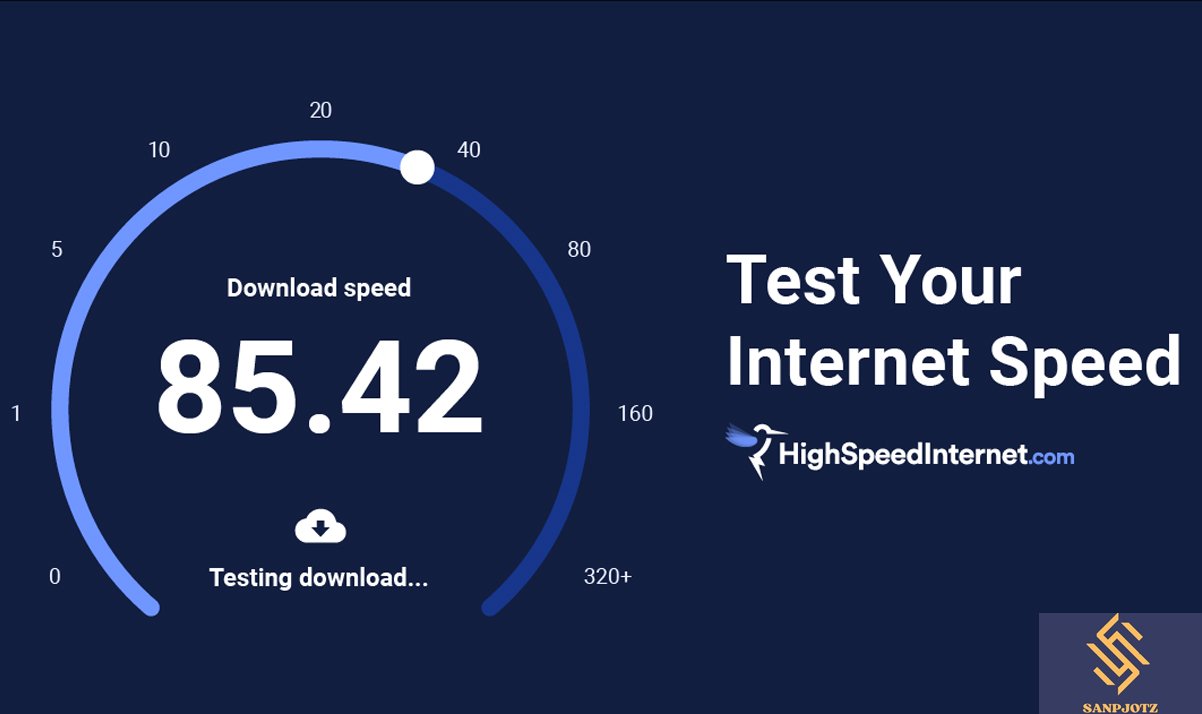
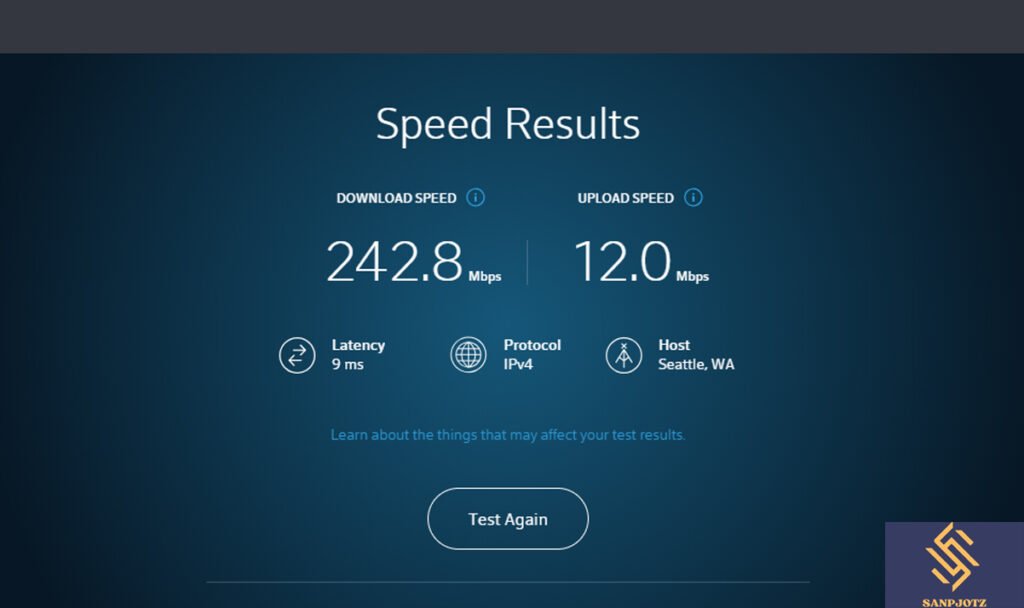
The CenturyLink Speed Test is an online tool that measures how fast your internet connection is. It checks your download speed, upload speed, and ping, giving you a clear picture of your network performance. The test sends data between your device and a nearby server and then measures how quickly that data travels.
Download speed tells you how fast you can receive data from the internet. This affects streaming, downloading files, and browsing websites. Upload speed measures how quickly your device sends data, which is important for video calls, cloud storage, and sharing large files. Ping, measured in milliseconds, shows how quickly your device responds to a server.
What Your Speed Test Results Really Mean
Understanding your results is just as important as running the test. A high download speed means websites load faster and videos play smoothly. A good upload speed helps with online meetings, live streaming, and uploading photos or videos without delays.
A low ping means your connection responds quickly, making online gaming and video calls smoother. If your ping is high, you may notice lag or delays. Running the test several times during the day gives a more accurate view because internet speeds can change depending on network traffic.
Why Your Internet May Be Slower Than Expected
Many people expect their internet to always match the speed shown in their plan, but this is not always possible. Distance from the router, network traffic, and the number of connected devices can all reduce performance. Running a CenturyLink Speed Test can help identify whether the issue is inside your home or related to your internet service.
Old routers can also slow your connection. Older devices may not support the latest Wi-Fi technology, making it difficult to reach higher speeds. Automatic software updates, cloud backups, and large downloads running in the background can also use a lot of bandwidth without you noticing.
Common Wi-Fi Problems That Affect CenturyLink Speed Test Results
Your Wi-Fi signal becomes weaker as you move farther from the router. Thick walls, metal objects, and large furniture can block wireless signals. Placing the router in a central and open area usually improves coverage throughout your home.
Too many devices connected at the same time also affect speed. Smart TVs, gaming consoles, tablets, and smartphones all share the same internet connection. If several devices are streaming videos or downloading files together, your available speed will decrease.
How to Get the Most Accurate CenturyLink Speed Test Results
For the best results, restart your modem and router before testing. Close apps that use the internet, pause downloads, and disconnect devices that are not needed. If possible, connect your computer with an Ethernet cable because wired connections are more stable than Wi-Fi.
Run the test more than once and at different times of the day. Internet traffic often increases during evenings when many people are online. Comparing several results gives a better understanding of your actual connection speed.
Simple Ways to Improve Your Internet Speed at Home
Start by placing your router in a high and open location. Keep it away from thick walls, microwaves, and other electronic devices that may cause interference. Updating your router’s firmware can also improve both speed and security.
If your router is several years old, replacing it with a newer model may provide better performance. Disconnect devices you are not using and scan your computer for malware. These simple steps often improve internet speed without changing your internet plan.
When Slow Speeds Are Caused by Your Internet Provider
Sometimes the problem is not inside your home. Network maintenance, service outages, or heavy traffic in your area can temporarily reduce internet speeds. Bad weather or damaged cables may also affect your connection.
If you continue to get slow results after troubleshooting, contact your internet provider. Share your recent speed test results and ask whether there are any known service issues or if your current plan still meets your needs.
Other Online Speed Test Tools
Many speed test websites measure internet performance, but they may use different servers. Because of this, small differences in results are normal. The important thing is to look for consistent patterns instead of focusing on one single test.
The CenturyLink Speed Test is a useful choice for customers who want to check whether their connection matches their service. Running tests regularly helps you monitor changes over time and quickly spot new problems.
FAQs
How often should I run a speed test?
Run a test whenever your internet feels slow or after changing your network equipment.
Why is Wi-Fi slower than Ethernet?
Wi-Fi can be affected by distance, walls, and interference, while Ethernet provides a direct connection.
What is a good ping for gaming?
A ping below 30 ms is generally considered very good for online gaming.
Why do my speed test results change?
Internet traffic, connected devices, and server location can all affect your results.
Can an old router reduce internet speed?
Yes. Older routers may not support modern internet speeds or newer Wi-Fi standards.