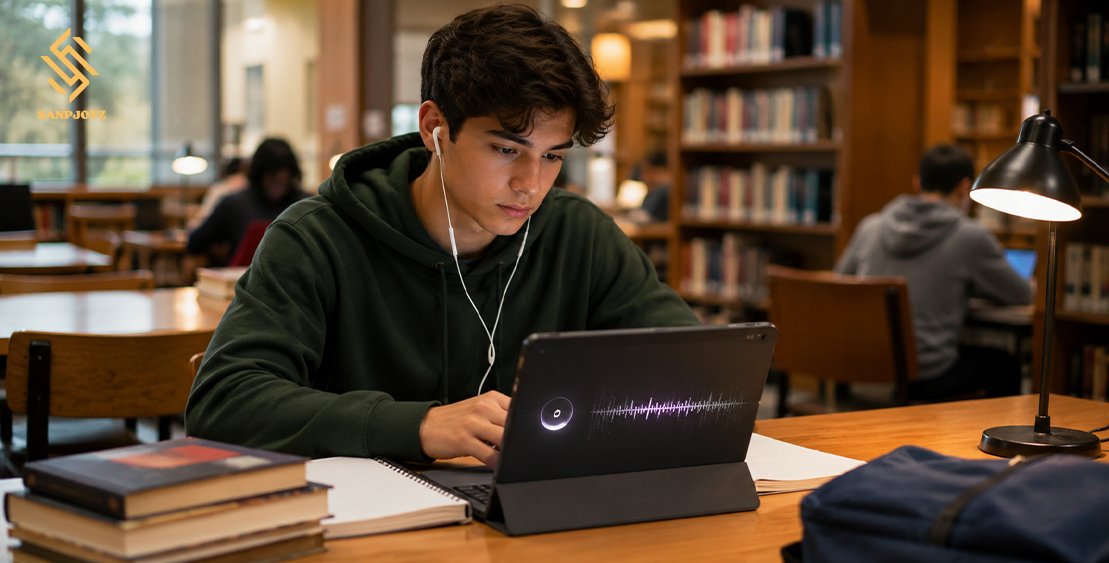
Unblocked Music Player for Students
An Unblocked Music Player lets students enjoy music on a school computer, Chromebook, or shared network when some popular streaming sites are unavailable. It can support study sessions, reduce background noise, and make simple tasks feel less tiring. However, students should choose safe and legal services, follow school rules, and avoid tools that bypass security systems. This guide explains how these players work and how to use them responsibly.
What Is an Unblocked Music Player for Students?
An Unblocked Music Player is a website or browser tool that plays music without being restricted by the current network. It is not usually one special product or app. The term describes any music service that remains available while other platforms are blocked.
Access can be different at every school. A website may work on one network but not another. School administrators may also change access rules at any time. For this reason, students should not assume that an available website has official approval.
Why Schools Block Some Music Websites
Schools often block music services to protect students and keep the internet working well. Streaming audio uses network bandwidth. When hundreds of students stream music at the same time, learning platforms, online tests, video lessons, and cloud documents may become slower.
Music websites may also include explicit songs, mature images, public comments, tracking tools, or distracting advertisements. Teachers may block them during lessons because students need to hear instructions. A blocked site is not always unsafe, but it may not match the school’s learning policy.
Why Students Listen to Music While Studying
Many students use music to cover conversations, traffic, or other sounds. Soft audio can create a calm space in a busy classroom, library, dorm room, or home. It may also help students begin a task when they feel stressed or tired.
Music does not improve focus for everyone. Songs with clear lyrics may distract students during reading, writing, and language work. Instrumental music, gentle classical tracks, nature sounds, and simple lo-fi beats are often better choices for tasks that need strong attention.
Features of a Safe Student Music Player
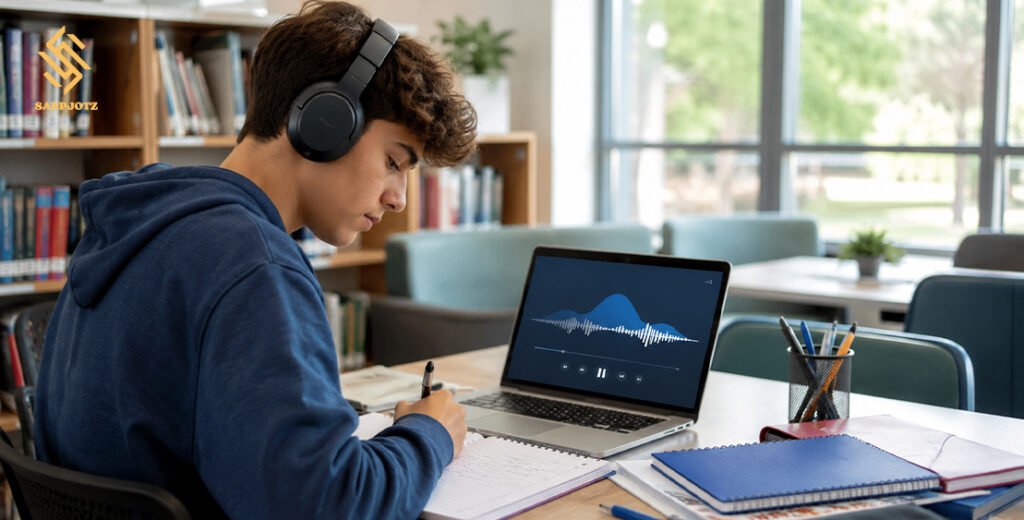
A reliable Unblocked Music Player should work directly in a browser and should not require unknown software. Clear play, pause, volume, and playlist controls make it easier to use. A simple design also helps students avoid wasting time while choosing songs.
The service should explain where its music comes from and whether it has permission to stream it. Useful features include clean-content settings, low-data audio, age-friendly playlists, and limited advertising. Students should prefer trusted platforms, school-approved libraries, and official artist pages.
Safe and Legal Ways to Listen at School
Students should first check their school’s acceptable-use policy. A website may open because it has not yet been reviewed, not because it is approved. When a useful learning or music website is blocked, students should ask a teacher or the school IT team to check it.
Students should not use a VPN, proxy, mirror site, or browser extension to bypass school controls. These tools can expose private data, weaken device security, and break school rules. The safest option is a legal service that the school allows on its network and devices.
Best Music Types for Focus and Study
The best study audio is usually calm, steady, and easy to ignore. Instrumental tracks can work well because they do not compete with reading or writing. Classical music, ambient sound, rain, ocean waves, and soft piano may also reduce background noise.
Lo-fi music is popular because it often uses repeated beats and few lyrics. Video-game soundtracks can also be useful because many are designed to play behind an activity. However, favourite songs may lead to singing, skipping tracks, or thinking about memories instead of schoolwork.
How to Use a Music Player on a Chromebook
Most school Chromebooks support browser-based audio. Students can open an approved website, select a playlist, lower the sound, and keep the player in a separate tab. A browser player is often better than an app because managed devices may not allow new installations.
Before using an Unblocked Music Player, students should close unused tabs and choose a long playlist. This reduces battery use and prevents constant song changes. Standard audio quality is usually enough for studying and uses less data than high-quality streaming.
How to Avoid Unsafe Music Websites
Students should check the website address before pressing play. Fake sites may copy the name or design of a popular service. Common warning signs include misspelled addresses, browser alerts, automatic redirects, fake virus messages, and several large download buttons.
A safe player should not force users to install an extension, special update, or unknown file. Students should also avoid websites with adult ads, gambling offers, fake prizes, or requests for personal details. Unblocked does not automatically mean safe, legal, or private.
Protecting Privacy and Personal Information
Some free music websites collect listening history, device details, location data, and advertising information. Students should read the privacy notice before creating an account. Younger users should ask a parent, guardian, or teacher before sharing personal information.
Students should use a unique password and avoid putting their school name, class, address, or phone number in a public profile. Playlist titles can also reveal private details. A simple name such as “Study Mix” is safer than a title that includes a school or location.
Using Music Without Losing Focus
A good study routine starts before the music begins. Students should select a playlist, set a low volume, and decide how long they will work.
An Unblocked Music Player should support learning instead of replacing it. Students can compare one study session in silence, one with instrumental music, and one with normal songs. They should then check their speed, mistakes, memory, and stress level to find the best method.
FAQs
Is an unblocked music service always approved by a school?
No. A site may be available even when the school has not reviewed it. Students should follow classroom and network rules.
Can students use these players on Chromebooks?
Yes. Browser-based players often work on Chromebooks when the school allows the website and audio streaming.
Is music with lyrics good for studying?
It may help during simple tasks, but it can distract students during reading, writing, and memorisation.
Is it safe to download music from these websites?
Only download files when a trusted service clearly provides legal permission. Avoid unknown MP3 and converter websites.
What should students do when a useful player is blocked?
They should ask a teacher or IT administrator to review the website instead of trying to bypass the network filter.