Cardinal Apps: Features, Uses and Benefits
Cardinal Apps is a self-hosted media platform for people who want control over their music, photos, movies, and TV files. This guide focuses on the product made by Cardinal Apps Inc., not the separate university portal with a similar name. The system uses Cardinal Media Server to index personal media and open it through dedicated web apps. The main self-hosted apps are free, and a cloud account is optional.
What the Platform Is and How It Works
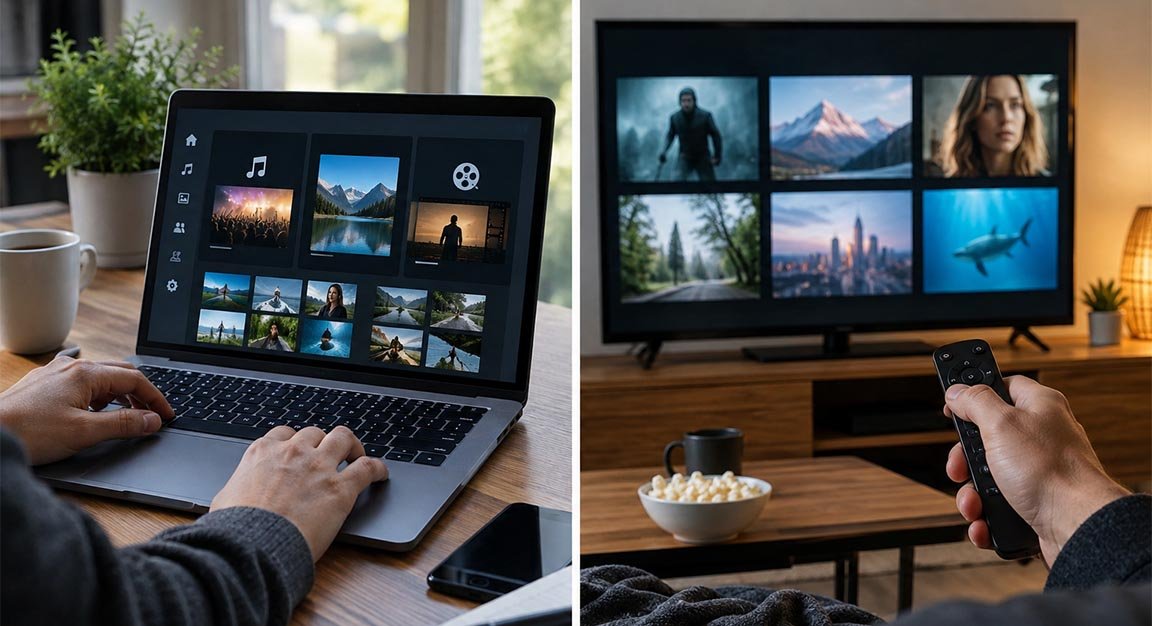
Cardinal Apps puts Cardinal Media Server at the center of a private media setup. The server scans folders that already contain your files, builds an index, and makes the content available through separate interfaces for music, photos, movies, and TV. You do not have to rebuild your folder structure first. An admin dashboard helps the owner manage libraries, users, jobs, and server settings.
Unlike a normal streaming subscription, this system uses media you already store and have the right to use. Your own computer or server does the main work, so storage, network speed, and server power can affect the experience. This gives more control, but the owner also has more responsibility.
Main Features Available to Users
The platform includes file indexing, libraries, local accounts, cloud-account login, role-based access control, history, transcoding, and an open API. Role-based access control helps when several people use one server because the owner can decide what each person can access. Local accounts also reduce the need to depend on a cloud login.
The Admin Dashboard can show indexing progress and background jobs. Cardinal also makes source code for its self-hosted apps available under its Freehold license. Advanced users can use the documented API to connect their own AI tools or AI software.
Music, Photos and Cinema Apps
Cardinal Music is made for personal music collections. Users can browse artists, releases, tracks, and genres, build playlists, mark favourites, view playback history, and receive smart suggestions. It also supports multiple playback queues and software-level transcoding.
Cardinal Photos offers albums, favourites, face detection, a world map, HEIC support, and support for photo data exported through Google Takeout. Cardinal Cinema focuses on movies and TV with watch history, resume playback, collections, custom TV channels, favourites, transcoding, and a watch-together feature.
How to Install and Set Up the Server
The official quick-start guide supports Docker Compose and Proxmox VE. Docker can run the server on many systems, while Proxmox uses a lightweight application container. After installation, users choose the folders that contain their media and let the server index them. The Music, Photos, and Cinema web apps come with the Media Server installation.
This setup may require more work than installing a normal phone app. A machine needs to stay available and have enough storage for the media library. Basic knowledge of folders, networking, backups, and updates is useful. People who already run a home server may find setup easier.
Privacy, Accounts and Access Control
One of the main ideas behind Cardinal Apps is keeping personal media under the user’s control. The official site says the self-hosted apps contain no ads, need no signup for basic use, and can work without a Cardinal cloud account. This may appeal to users who do not want all personal media stored with a large third-party service.
A cloud account can add online services, while local accounts remain available. Owners can also use role-based permissions. Self-hosting does not create perfect security by itself, so strong passwords, regular updates, backups, and safe network settings remain important.
Remote Access and Streaming Away From Home
The system can support access from outside the home. Its documentation explains direct connections that go from the app to the user’s Media Server. Cardinal Cloud can help with connection details and HTTPS certificates, but media traffic on a direct connection does not pass through Cardinal’s infrastructure. Local connections are preferred on the same network.
A relay can be used when a direct connection is not possible, such as on some networks behind carrier-grade NAT. Relay traffic passes through Cardinal’s servers, so it is a paid feature with bandwidth limits. As of September 2026, remote access is listed in Cardinal Apps as a closed beta, so access and features may still change.
Devices and Platform Support
The current service is mainly based on web apps. The product pages show the Music, Photos, and Cinema web apps as included with the server. Native apps for iOS, Android, Windows, macOS, and Linux are listed as not yet available, while Cinema also lists Roku as a planned native platform.
A modern browser is therefore important for the present experience. Users who want a native mobile or TV app should check the current product pages before setup because development is still active.
Pricing and What Is Free
The core self-hosted software is free, and the pricing page says no account is required for basic use. Paid plans mainly add cloud services. At the time of writing, Starter costs $5 per month with 35 GB of relay bandwidth, while Pro costs $15 per month with 100 GB. Yearly payment gives two months free.
Free software can still have personal costs. A self-hosted system may need a computer, hard drives, electricity, backups, and internet bandwidth. Someone who already owns a home server may spend little extra, while a new user may need to buy hardware.
Key Benefits and Possible Limits
The biggest benefit of Cardinal Apps is control. Users can keep a private media collection in one system, choose their own storage, create libraries, manage access, and use separate tools for music, photos, movies, and TV. The software is also designed without advertising, and the main self-hosted apps do not require a subscription.
The main limit is that the owner becomes the administrator. Hardware problems, storage failure, updates, remote-access settings, and backups become the user’s job. Some services are still in development, and native apps are not yet widely available. Beginners should expect a small learning curve.
FAQs
Is the software free to use?
Yes. The main Media Server and its Music, Photos, and Cinema web apps are free. Optional cloud services can cost extra.
Do I need an account to use it?
No. A cloud account is optional, and the server supports local accounts.
Can I move photos from Google Photos?
The Photos app supports the format exported by Google Takeout.
Can I stream outside my home?
Yes. Remote access can use direct connections and a relay when needed. It is currently in closed beta.
Are native mobile apps available?
The web apps are available, while native apps for major platforms are still listed as not yet available.